betaMokup Logo

Sketch your ideas fast

Mokup is in Private Beta

49 spots remaining

if you’re in the beta program

AI Assistant

Generate complete layouts from a prompt, then refine them however you like — let the AI fix and iterate on its own, or jump into the editor and tweak every detail by hand.

AI-powered creativity...

You can try these AI features joining the beta but we are still working hard on them.
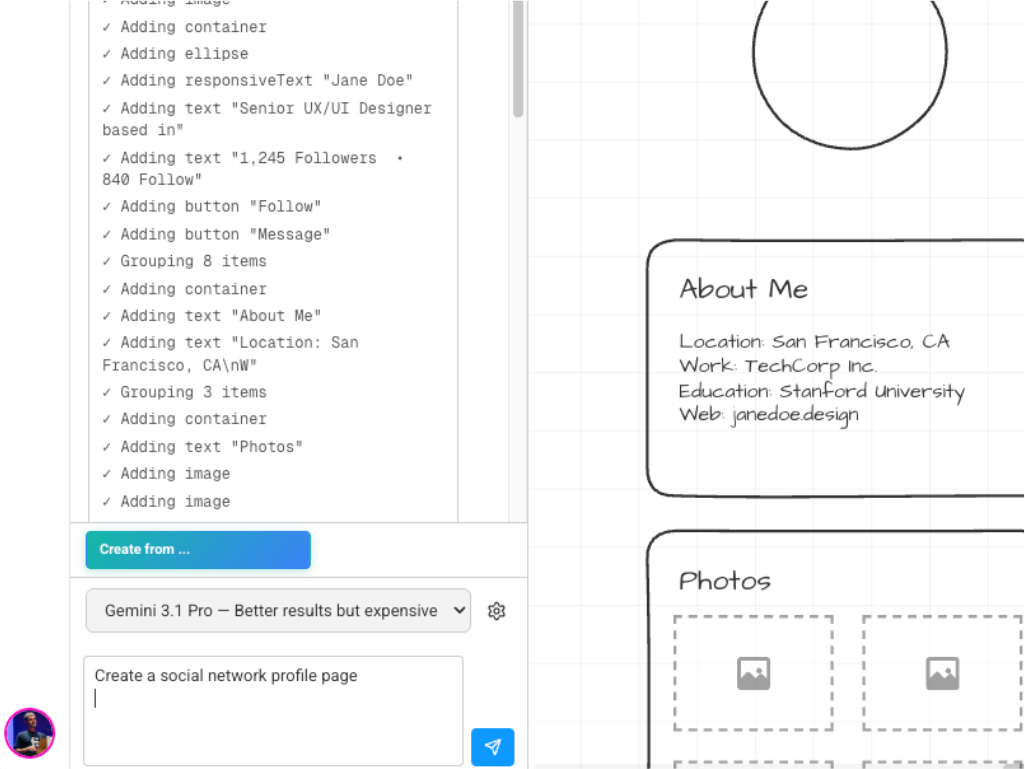
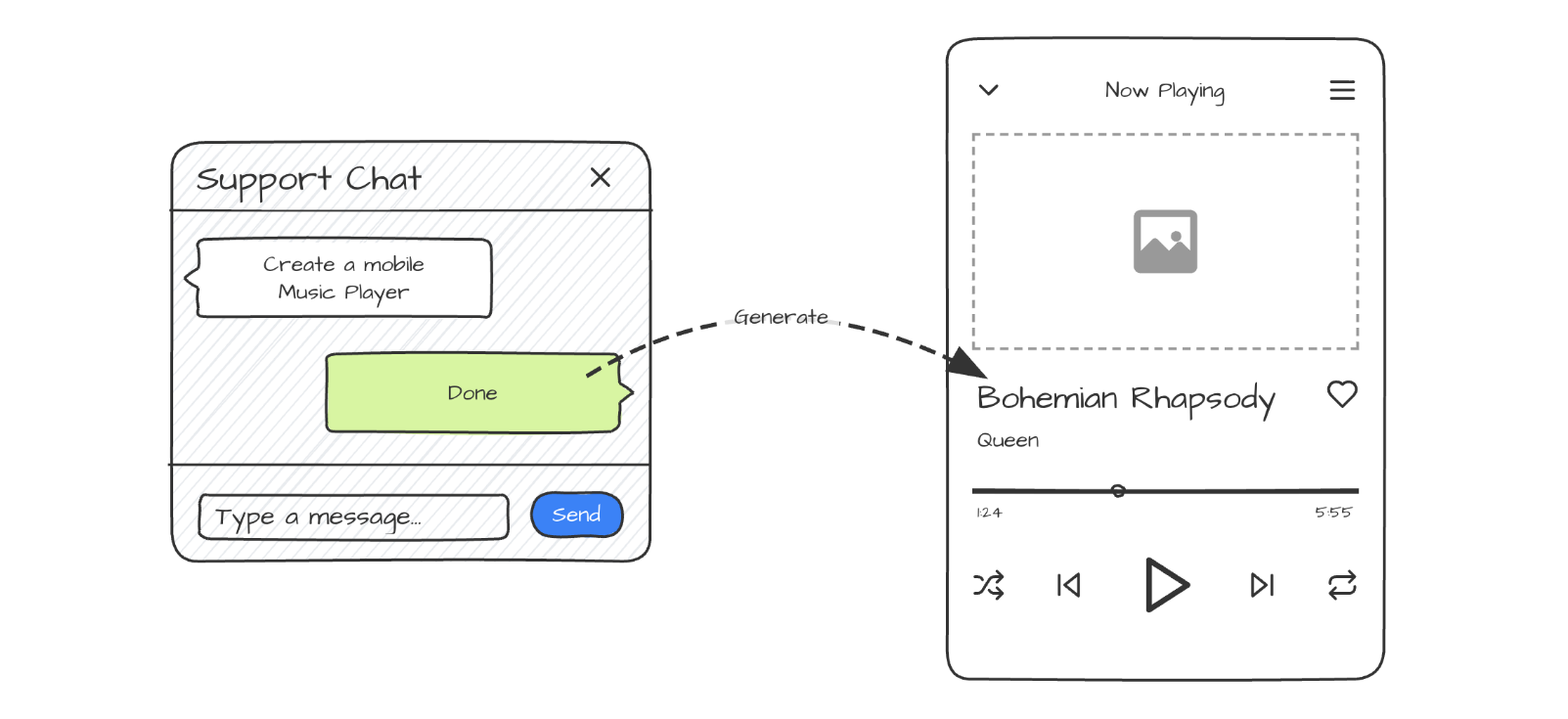
Chat to Generate
Chat to Generate
Describe your idea and watch the AI build it in seconds.
Wizard
Wizard
Go step-by-step through a structured flow to generate your layout.
Generate High Fidelity
Turn your layout into a high-fidelity design with one click.
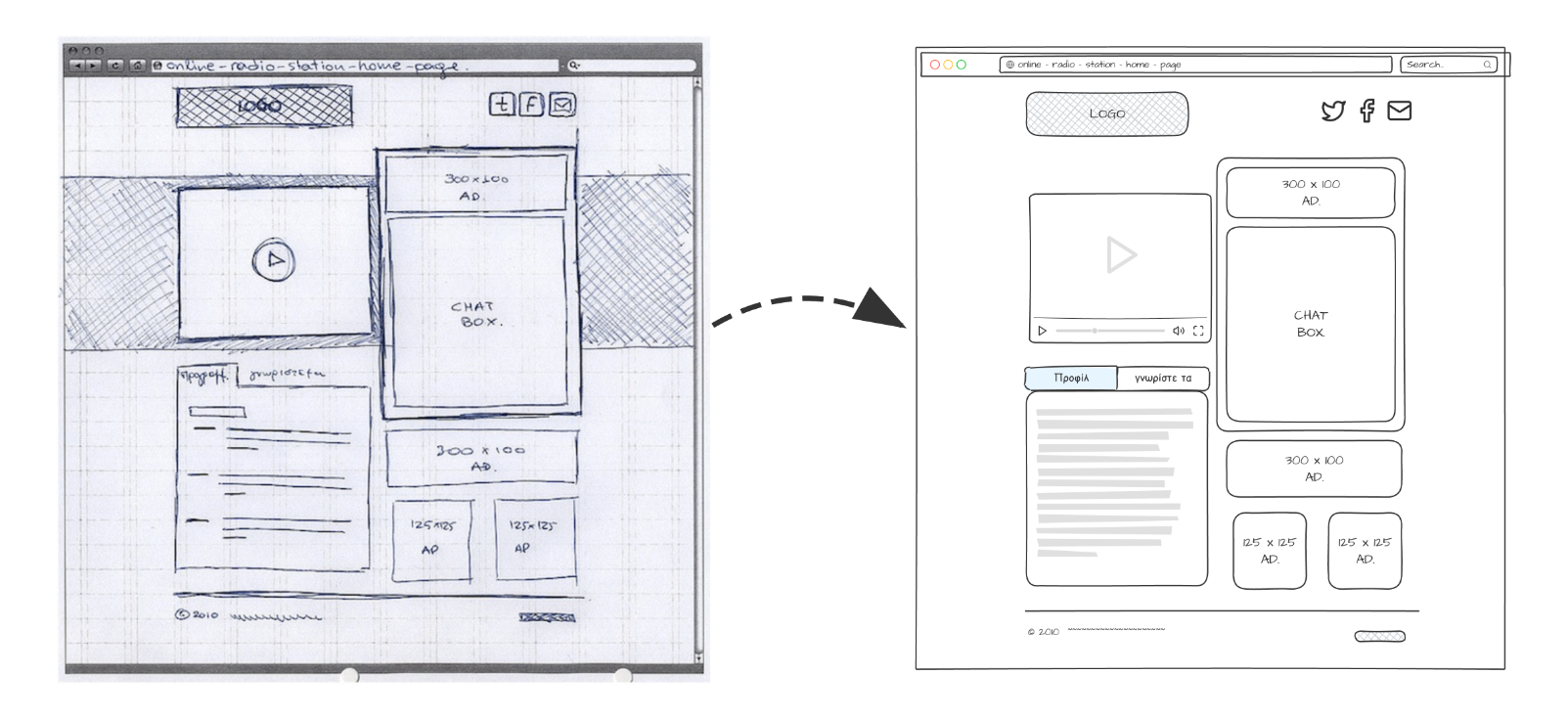
Convert Images in Mockups
Import images or hand-drawn sketches and convert them into editable mockups.

Desktop and Mobile

Mokup runs great on desktop browsers today, and we're actively working on full iPad compatibility so you can sketch ideas anywhere.

  • Support for Chrome and Safari
  • Responsive layout adapts to any screen size
  • iPad compatibility in progress (but you can already try it)
  • No install required — works directly in the browser

Super Easy and Fast

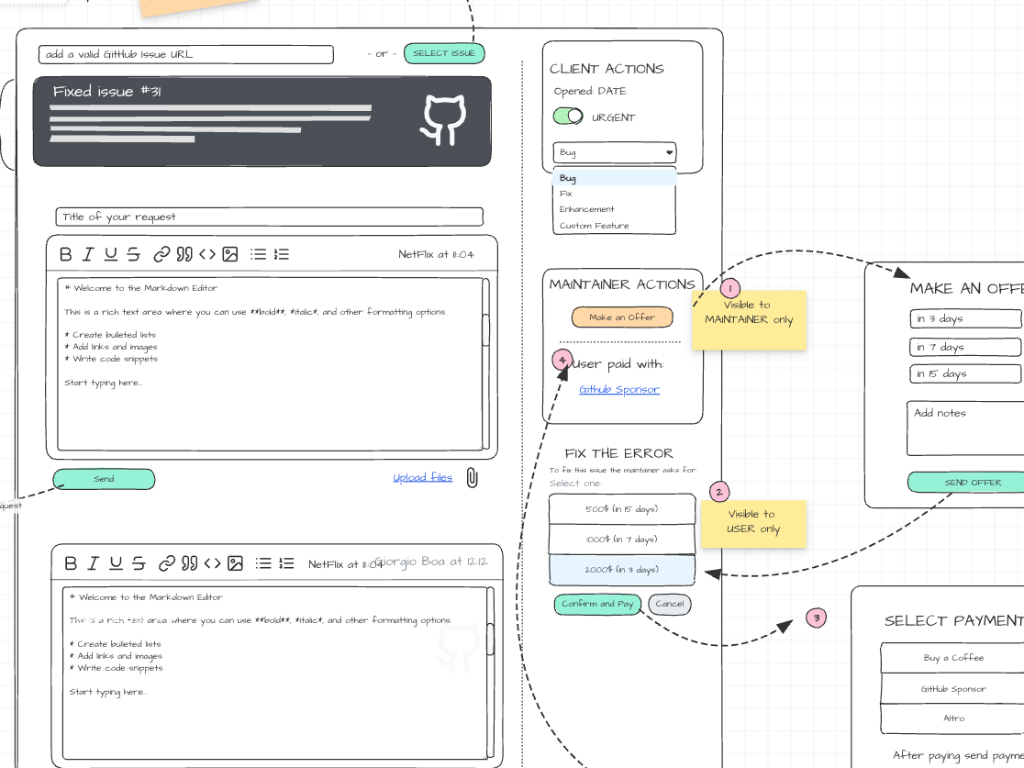
Quickly wireframe and visualize your ideas

Draw UI, annotate flows, and share rough concepts, all without leaving your browser with the help of ready-to-use components, templats and the AI assistant.

We're still working on it (beta) — some videos and screenshots may differ from the online version.

Super Simple
Super fast and easy to use...
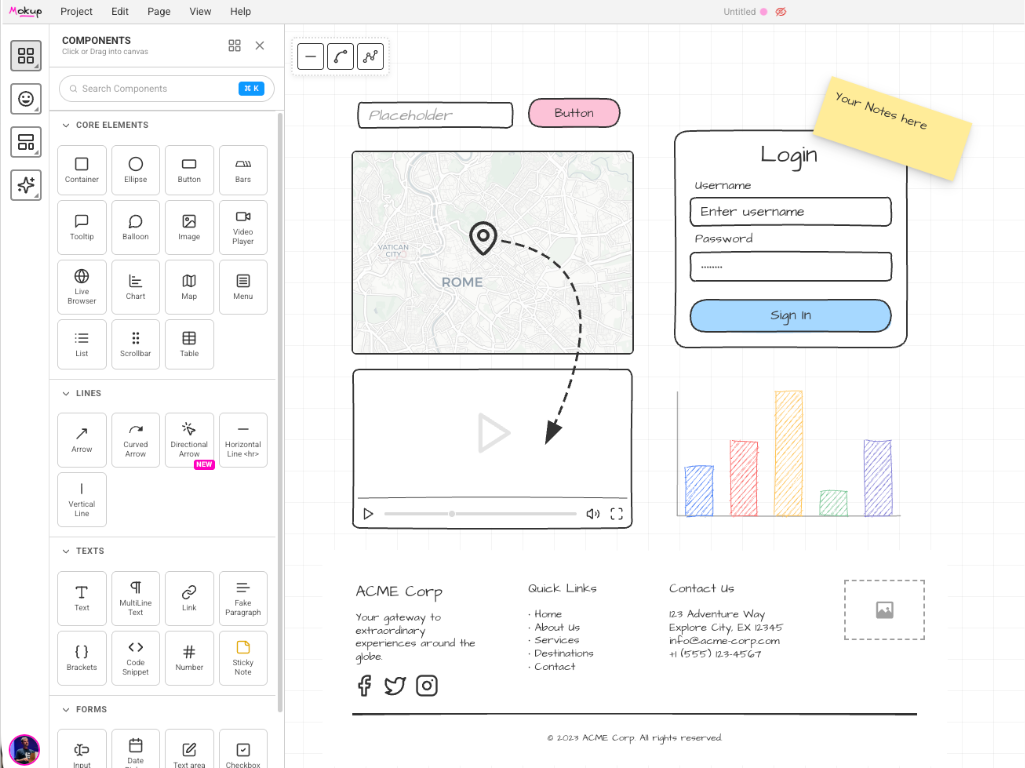
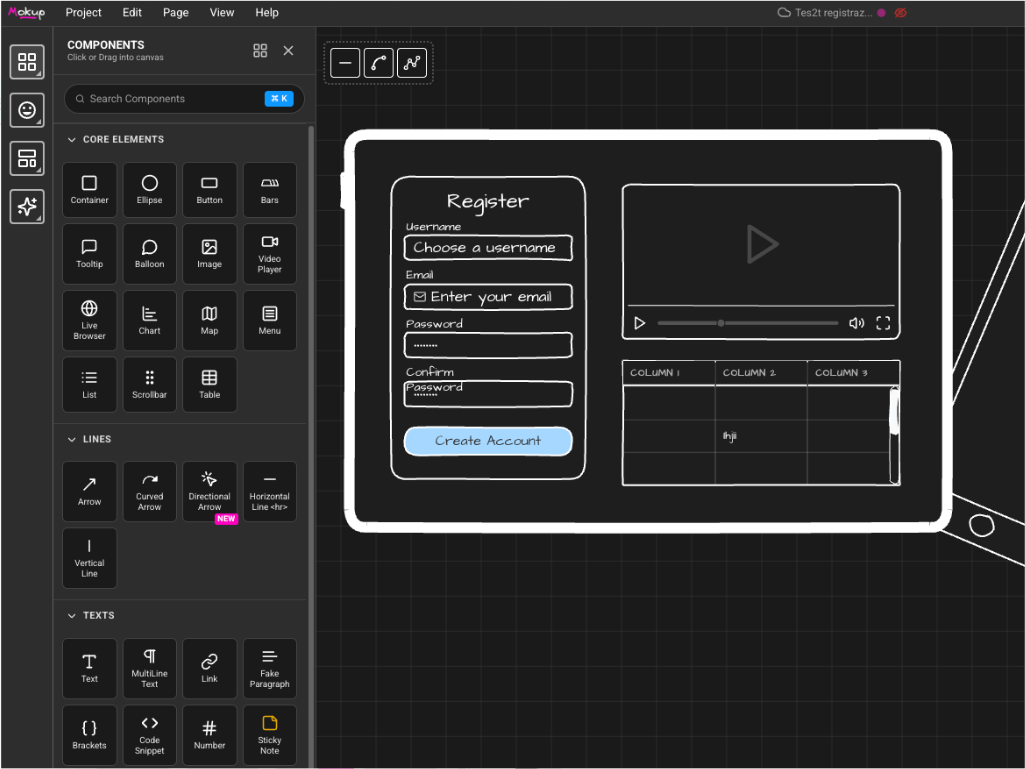
Core & Rich Components
Tables, Lists, Menus, icons — ready to drop in.
Connectors
Connect your components with smart and magnetic connectors.
40000 icons
Access a library of over 40000 icons for your mockups.
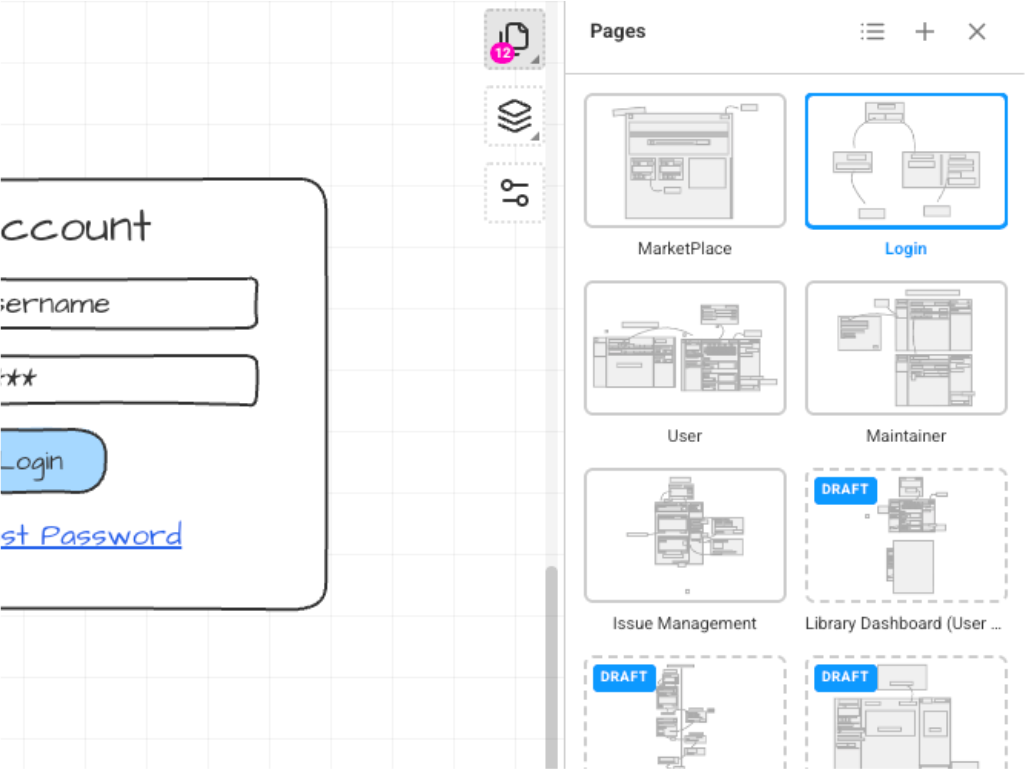
Multi-Page
Organise flows across multiple pages in one project.
Templates
Ready to use templates
Custom Templates
Save your UI and reuse it across projects
Layers Panel and Groups
Manage complex layouts with a hierarchical layer view.
Styles and Themes
Sketchy & Modern Style, Dark and Light modes
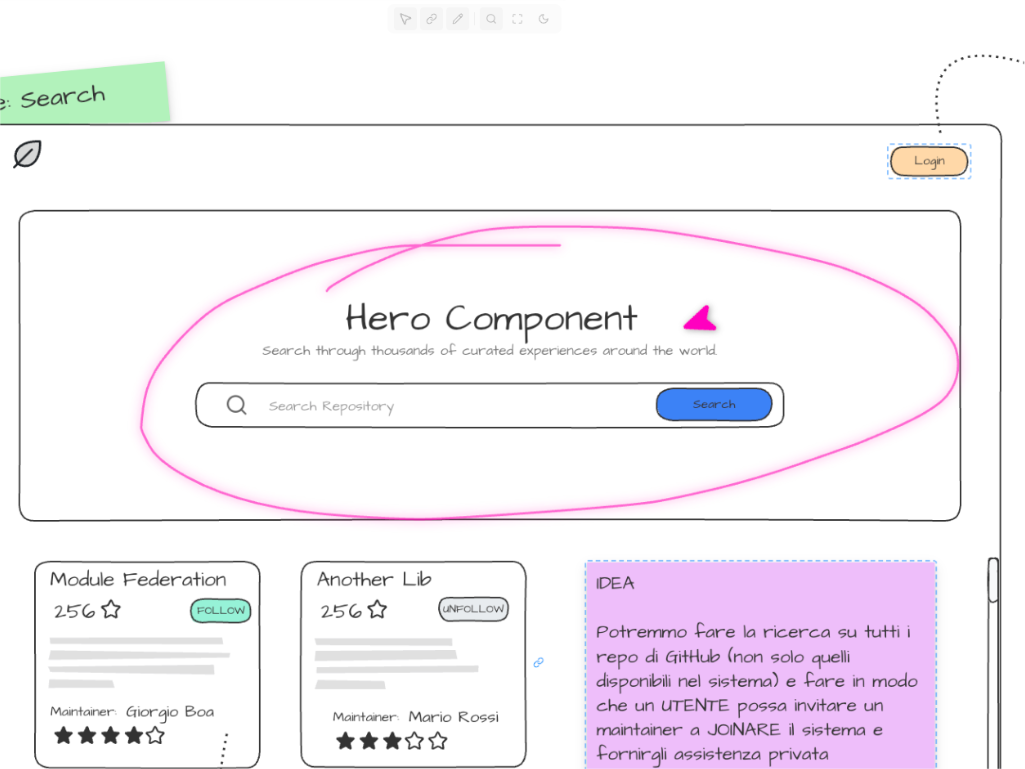
Presentation Mode
Show a presentation, switch between pages and draw during the presentation
Export
Share or export your mockups instantly in different formats.
Save on Cloud or locally
Save your mockups on the cloud or on your local machine (.mokup format)

And more...

Ready to sketch your next idea?

Mokup is in Private Beta

49 spots remaining

if you’re in the beta program